
Three different things, often mixed up
People call all of these "the visualizer", but they do three different jobs:
| What it shows | Good for | |
|---|---|---|
| Waveform | The whole track over time: loud parts, quiet parts, the drop | Jumping to the part you want, seeing the drop coming |
| Spectrum analyzer | How strong each frequency band is right now, from deep bass to top highs | Seeing the kick, bassline, and hi-hats; dialing in EQ |
| Visuals | Artwork that reacts to the beat and energy of the track | Live shows, clips, something to watch while you listen |
There's a fourth thing people confuse with the spectrum: the spectrogram, a picture of the whole file used to check quality. It doesn't move with the music. See how to read a spectrogram.
What a good player needs
- Real time, no lag. The kick hits and the bar jumps. Half a beat late and the feeling is gone.
- The full frequency range. You should see sub bass and highs, not a handful of chunky bars.
- A waveform colored by frequency. Colors for lows, mids, and highs mean one glance shows the drop and the breakdown.
- Lots of styles, quick to switch. One style gets old, and every track has its own mood.
- Full screen with hidden controls. For a TV, a projector, or a clean screen recording.
- Your own photos and videos. A logo, a teaser clip, or event photos instead of visuals when you need them.
- Pictures the moment a track plays. No plugins, no fiddly setup.
A typical player has a progress bar and a volume slider. To tick every box above, you need a player built for it.
Tips for a great-looking screen
- Match the style to the track. Dark, heavy tracks suit minimal styles; bright, melodic tracks suit color and motion.
- One color scheme for everything. When the waveform, spectrum, and visuals share a palette, the screen looks like one piece.
- Long sessions? Let visuals switch on their own every few minutes so the screen never gets stale.
- Use the waveform to seek. Click right where the waveform swells and you're at the drop, no dragging around.
- On a big screen, hide every button. Just the picture, like a real show. See how to put visuals on an LED wall or projector.
FAQ
Do the visuals really follow the music, or is it a looping video?
They should follow the music, or they're not worth it. In Taxonomy DJ every style is built from the track that's playing: its beat, spectrum, and waveform. A hard kick hits hard, a breakdown settles down.
What's the difference between a spectrum and a spectrogram?
A spectrum moves with whatever is playing right now, to watch and enjoy. A spectrogram is a still picture of the whole file, used to catch fake or upscaled files.
Which formats does it play?
Taxonomy DJ plays MP3, WAV, FLAC, and AIFF, on macOS and Windows.
Is it free?
Yes. Free gives you 30 spectrum styles and 30 visual styles each time you open the app, picked at random and always including Spectrum bars and Lucky cat. Premium unlocks all 50 spectrum styles and 80 visuals.
Do it fast with Taxonomy DJ
Spectrum and visuals are built into the Taxonomy DJ player:
- Select a track and press Space. The player bar at the top shows a color waveform and a 95-band spectrum moving with every beat, on every tab.
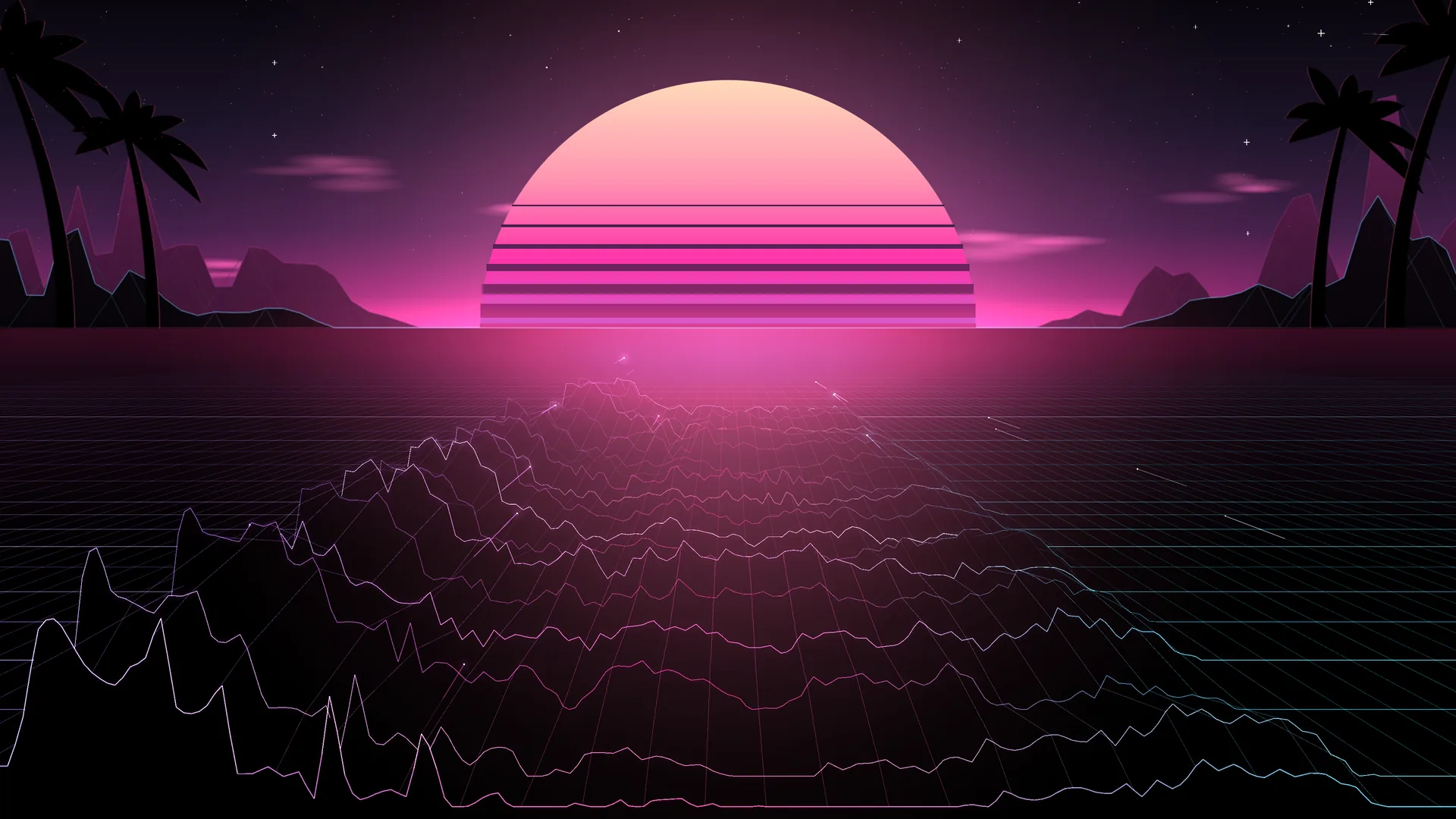
- Click the spectrum style button at the top of the spectrum to change the scene: Spectrum bars, Night city, Festival, Synthwave, Ha Long lacquer… 50 styles in all.
- In the Playlists tab, pick the Visual view: 80 styles like a black hole, butterfly wings flapping on the beat, and a laser show, plus 12 stackable effects (Psychedelic, Shockwave, Stage fog…). Turn on Auto switch to change styles on their own. To show your own pictures or clips, pick Image or Video.
- Press F for full screen, and click the eye button in the title bar to hide every button.
- Click the palette icon in the top-right corner to change the theme: 15 color schemes for the waveform, spectrum, visuals, and the whole app.
Playback, the waveform, the spectrum, and visuals are all on the Free plan; Premium unlocks every style. Download Taxonomy DJ for macOS or Windows and try it with your favorite track.